Skip to content
Loading

Picsart

Growth & Marketplace - UI engineering at product scale

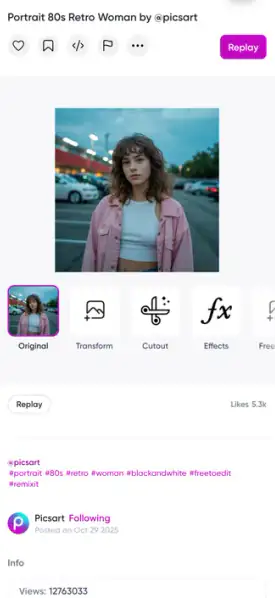
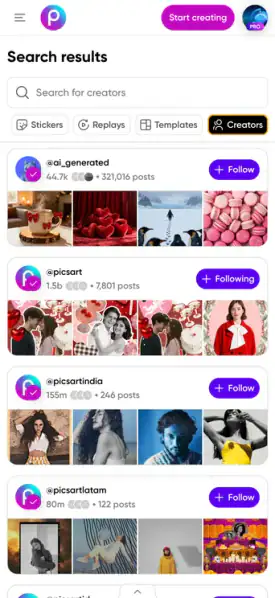
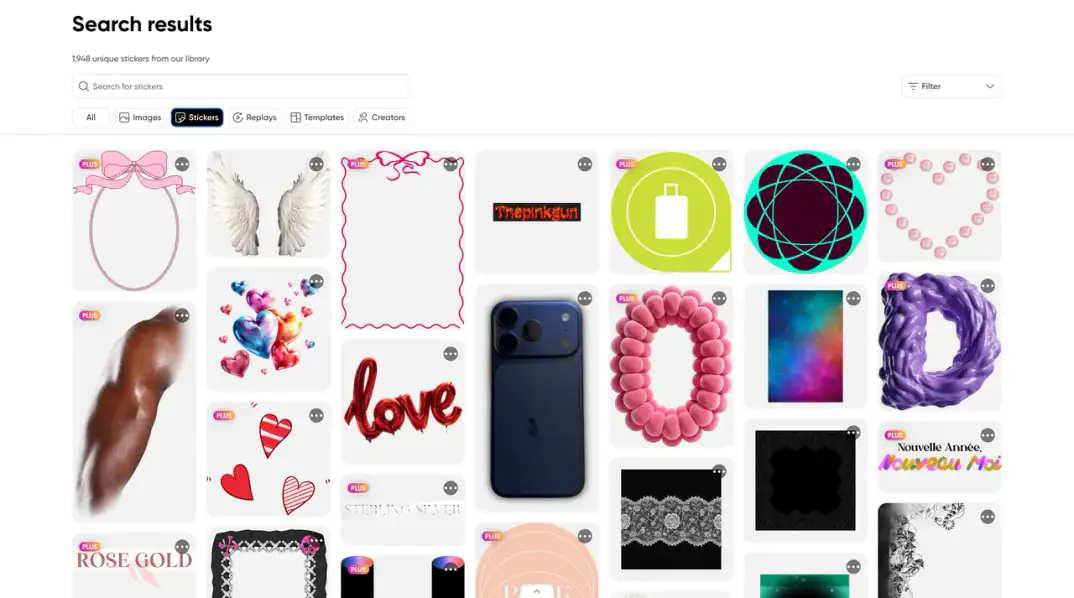
From October 2021 to February 2024, I worked as a Senior UI Engineer on picsart.com - first with the Growth team, then with Marketplace.

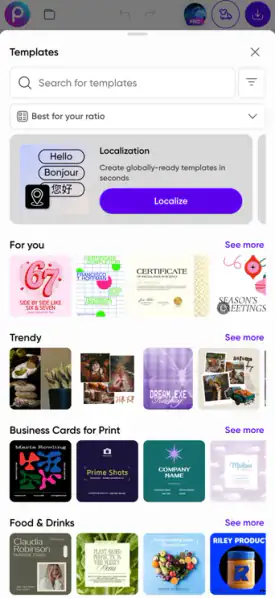
The work: integrating the Picsart Design System, building the components it didn’t cover, adding right-to-left language support from scratch, and a large part of the accessibility work in my scope.

Role:
Senior UI EngineerEmployee
Scope:
Design System integrationRTL/LTR localizationAccessibilityPerformance
Teams:
Growth (2021–2023)Marketplace (2023–2024)
Stack:
ReactJSSStyled Componentsi18n

What the work involved

picsart.com is a large product surface, shipped by many teams at once. My job was to keep the UI in my team’s scope consistent, accessible and ready for every language.

  1. Context

    Picsart’s website serves many products and page types:

    • Marketing and business pages
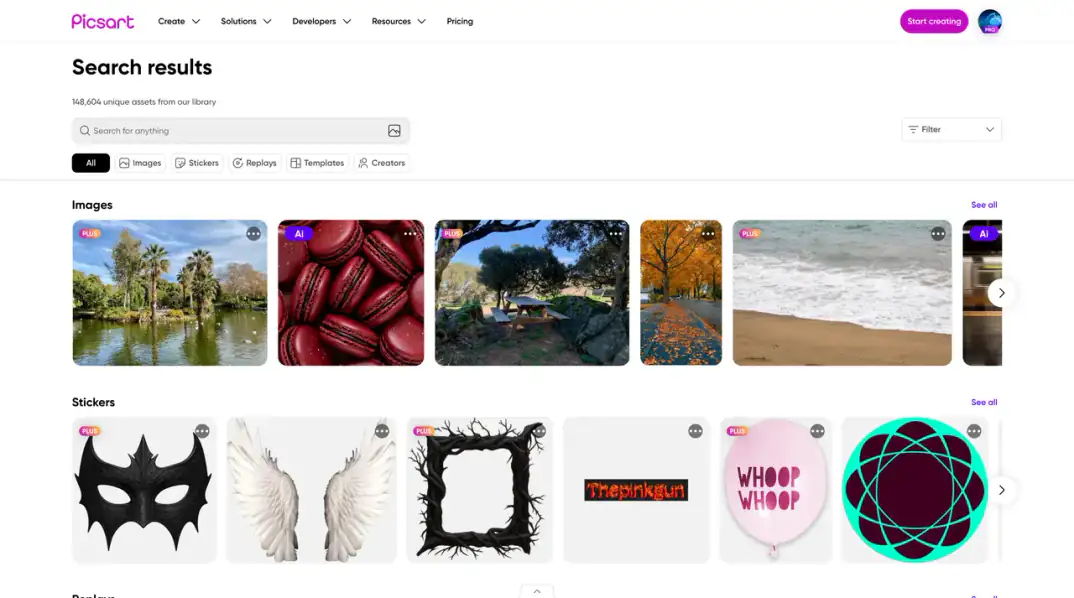
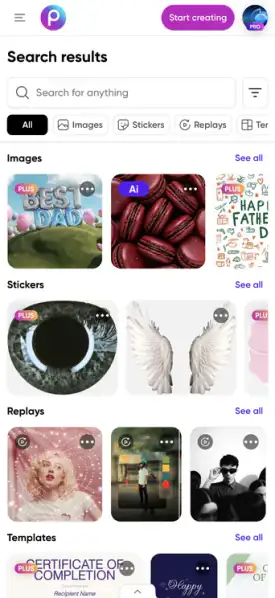
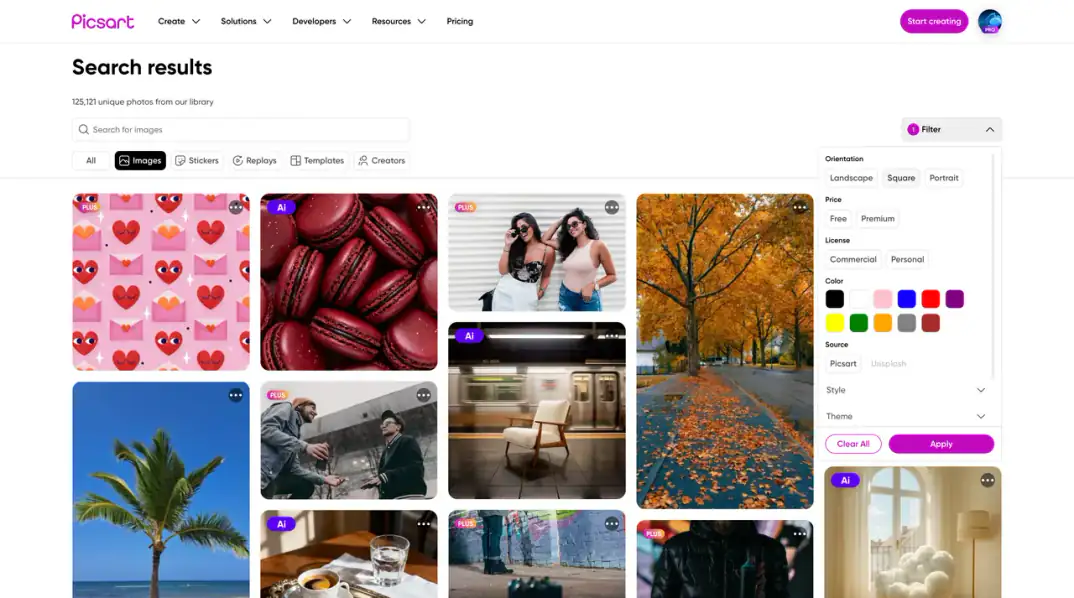
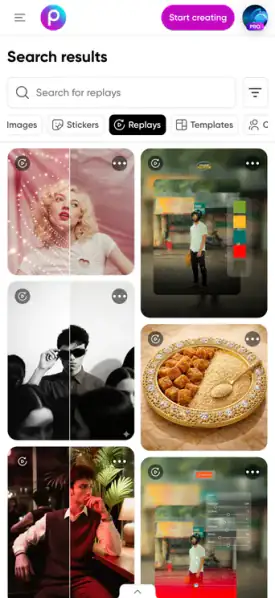
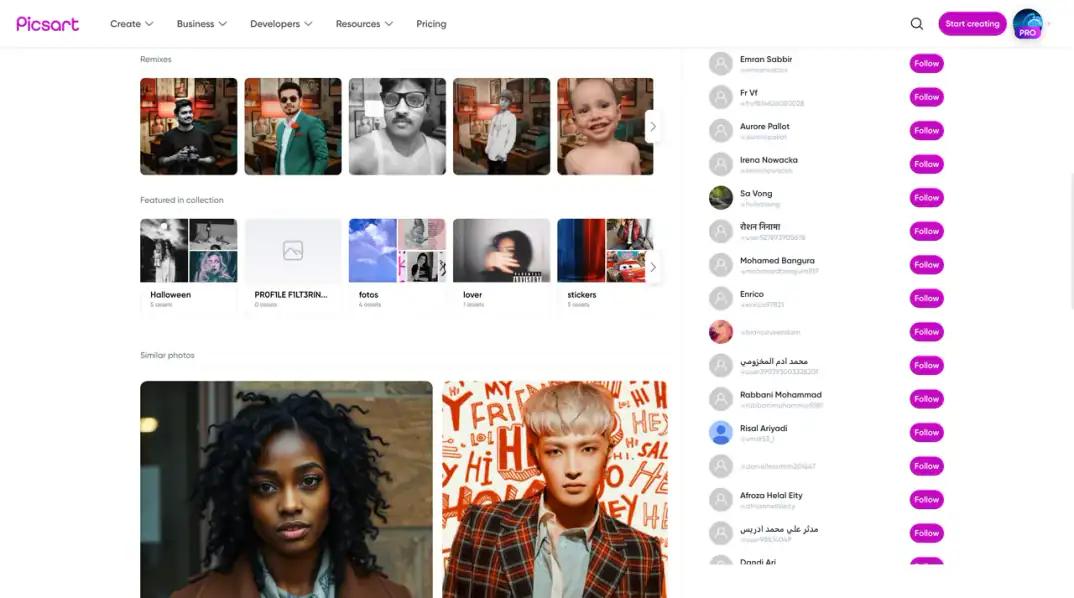
    • Marketplace and Discovery
    • The editor and Mini Apps
    • Growth products such as Ad Wizard

    Many teams ship to picsart.com at once. Each team has one person responsible for Design System integration - in my team’s scope, that was me.

  2. Growth team, 2021–2023

    I was the team’s primary UI developer, focused on the Picsart website:

    • Modular, scalable UI in React, JSS and Styled Components
    • Responsive, cross-browser implementation
    • Accessibility work
    • Code reviews for performance, maintainability and best practice
  3. Ad Wizard

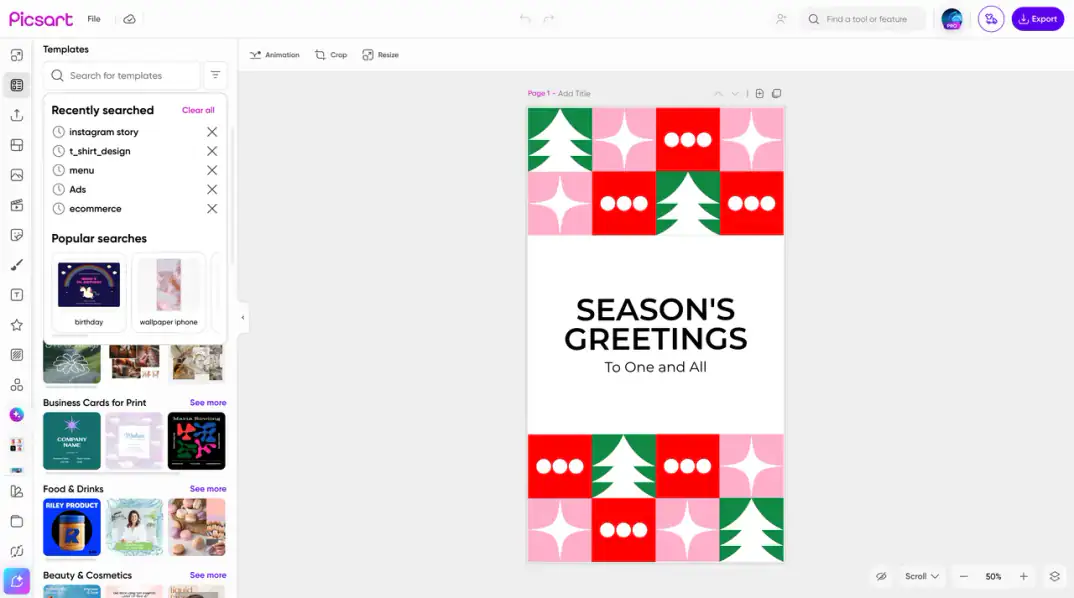
    A separate Growth product where people create visual and social content and adapt it to the formats each platform needs - text, imagery, titles and emoji in one editor.

    As the Growth team’s primary UI developer, I implemented its interface in React, HTML/CSS, JSS and Styled Components.

  4. Phase 1Design System integration

    I was the main UI and Design System integration owner for picsart.com and selected product branches in my team:

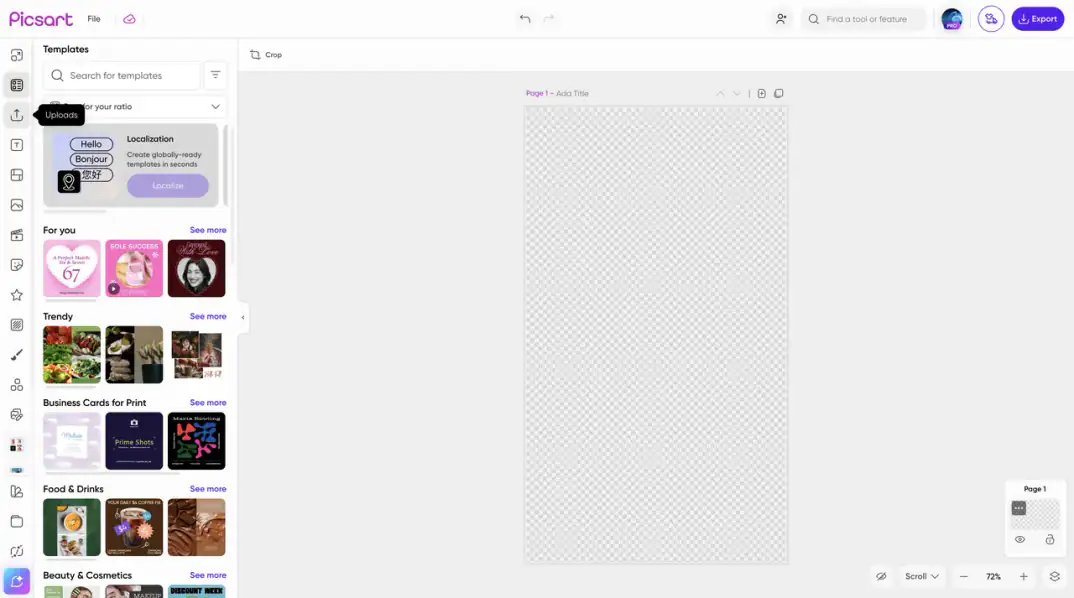
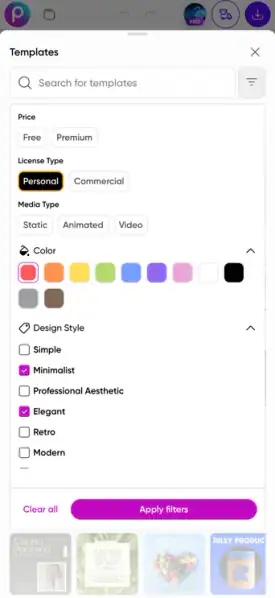
    • Integrated shared components across business pages, the editor and Mini Apps
    • Placed supplied components and templates as product required

    Phase 2Components the system didn’t cover

    The shared components came from the Design System team.

    When a need wasn’t covered, I built the missing components for our product branch, matched to the system so the product still felt like one.

    Phase 3Right-to-left languages

    I implemented multilingual support, including RTL/LTR, from scratch for my scope.

    Instead of fixing left and right values page by page, I reworked layout direction around logical properties - inline and block, start and end - so a change of direction carries through the structure.

    Phase 4Accessibility

    Accessibility was only minimally in place when I started. I handled a large part of the WCAG implementation work in my scope, building it into components rather than adding it afterwards.

    Phase 5Responsive and cross-browser

    Every component checked across breakpoints and browsers, so pages behaved the same for every visitor.

  5. Performance

    On the Growth team, I optimized the Discovery pages and their codebase.

    Pages were measured before and after; the figures aren’t published here.

  6. What changed

    • Right-to-left languages supported structurally, not by manual fixes
    • Marketplace pages consistent with the shared Design System
    • Accessibility built into components in my scope
    • Faster Discovery pages
  7. What this shows

    • Work at product scale, inside large teams and shared systems
    • Localization and accessibility treated as structure, not patches
    • The same standards applied to every Torchyan project

Integration principles

How the shared Design System was carried into the pages in my scope.

  • Shared first

    Use Design System components wherever they fit; build new ones only for real gaps.

  • Match the system

    New components follow the shared tokens, spacing and states.

  • Direction-agnostic layout

    Logical properties instead of left and right, so RTL works structurally.

  • Accessible by default

    Accessibility considered in every component, not added later.

  • Responsive everywhere

    Every component checked across breakpoints and browsers.

In detail

Five parts of the work, and how each was approached.

1. RTL/LTR layout logic

Switching a page between left-to-right and right-to-left usually means hunting down every left and right value.

I rebuilt the layout direction around logical properties:

  • margin-inline and padding-inline instead of left and right
  • inset-inline-start and inset-inline-end for positioning
  • Direction set once, at the root

A direction change now carries through the structure instead of being patched page by page.

2. Design System integration

Shared components from the Design System team, integrated across:

  • Business and product pages
  • The editor
  • Mini Apps

Placement followed product direction; consistency across branches was my responsibility in my team’s scope.

3. Components the system didn’t cover

Some Marketplace needs weren’t in the shared system. For those, I built team-specific components that:

  • Use the shared tokens
  • Follow the same states and spacing
  • Stay responsive and accessible

4. Accessibility implementation

From a minimal starting point, accessibility became part of the components in my scope rather than a late fix. I handled a large part of that WCAG implementation work myself.

5. Ad Wizard

A separate Growth product for creating visual and social content and adapting it to each platform’s formats. As the team’s primary UI developer, I implemented its interface in React, HTML/CSS, JSS and Styled Components.

Have something similar in mind?

Tell me what you’re building. I reply within 2 business days.

Start a project

A new website, a product interface, a design system, or improving what’s already live.

Start a project